Tokens
Tokens are named, reusable values used for both design and code. Instead of hardcoding values, tokens help ensure consistency and make updates easier throughout the system.
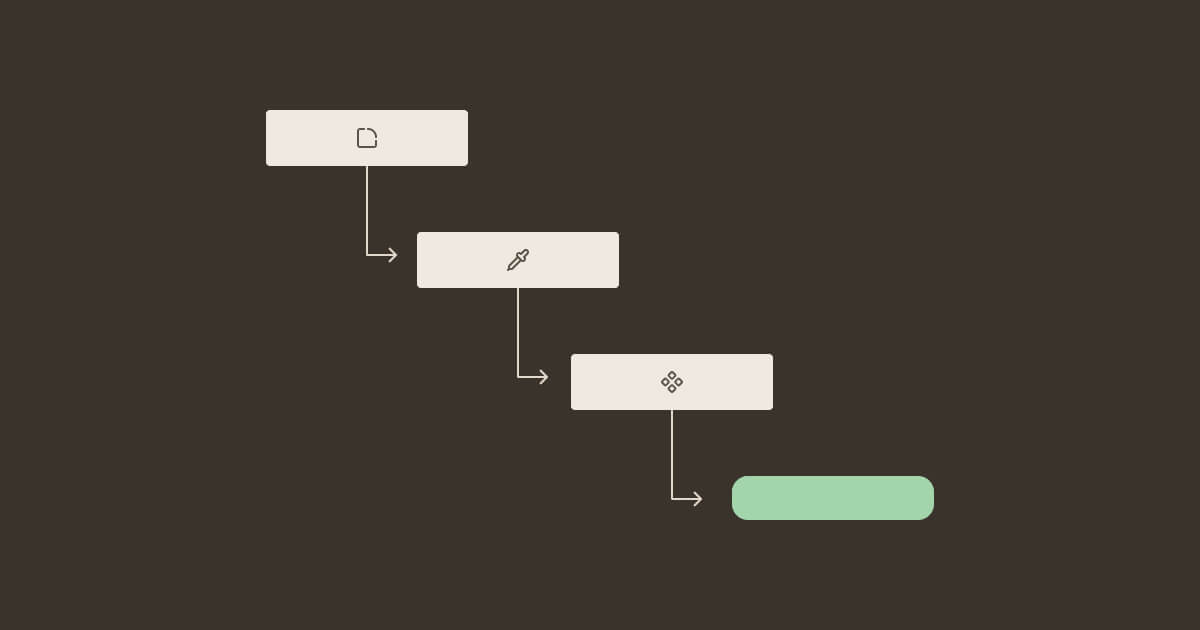
Token layers
Primitive tokens
Raw values with no semantic meaning. color.blue.600 = #0057A8. Should not be used directly in components or product code. Instead, use semantic tokens.
Semantic tokens
Named by purpose, not appearance. color.text.link is based on a primitive token. Use semantic tokens in all component styles and product designs.
Component tokens
Specific to a single component, such as button.background.primary. These are used when a component needs something not covered by existing semantic tokens.
They follow the semantic structure which stays consistent even if themes change – the CDS team manages the underlying values.
Token anatomy
Every token includes four core parts that are the same across themes and products.
Name
The full dot-notation path, for example color.background.surface.
Role
The purpose, for example background, text, border, icon.
Value
The final value used in a given context. It may change depending on theme or mode.
Mode
The applied theme or mode, such as light, dark or a product-specific theme.
Where tokens live
Tokens live in the CDS Figma file as variables, and in the CDS npm package as CSS custom properties.
Naming conventions
Token names follow the pattern category.role.variant.
Examples:
color.text.primarycolor.background.criticalspacing.inset.mdradius.md
Category comes first – color, spacing, radius, typography.
Role describes purpose, not appearance – text.primary not text.black.
Variant qualifies the role when needed – critical, subtle, on-brand.
Don't duplicate existing tokens with slightly different values. If a new use case doesn't fit an existing token, propose a change instead of creating a new token like color.text.primary-but-slightly-lighter.
When to request a new token
Request a new semantic token when:
- A recurring UI pattern needs a value that no existing semantic token covers.
- The value has a distinct purpose that doesn’t fit as a variant of an existing token.
Don't request a new token when:
- You need something ”close but not quite” to an existing token. Instead, adjust the design.
- The usage is a single, isolated case within one product. Define a local variable and add a clarifying comment instead.
Send your proposal to the CDS team with the use case, which products are affected, and a Figma frame showing it in context.
How tokens are released
- A token change starts as a Figma variable update in the CDS foundation file.
- The CDS team exports variables to the code package.
- Changes are shipped in a CDS release – minor if new tokens are added, major if existing tokens are renamed or removed (breaking changes).
- Use release notes to document all token changes, including any required migration steps.
Renaming or removing a token is a breaking change (existing usage must be updated). Just adding a new token is not.